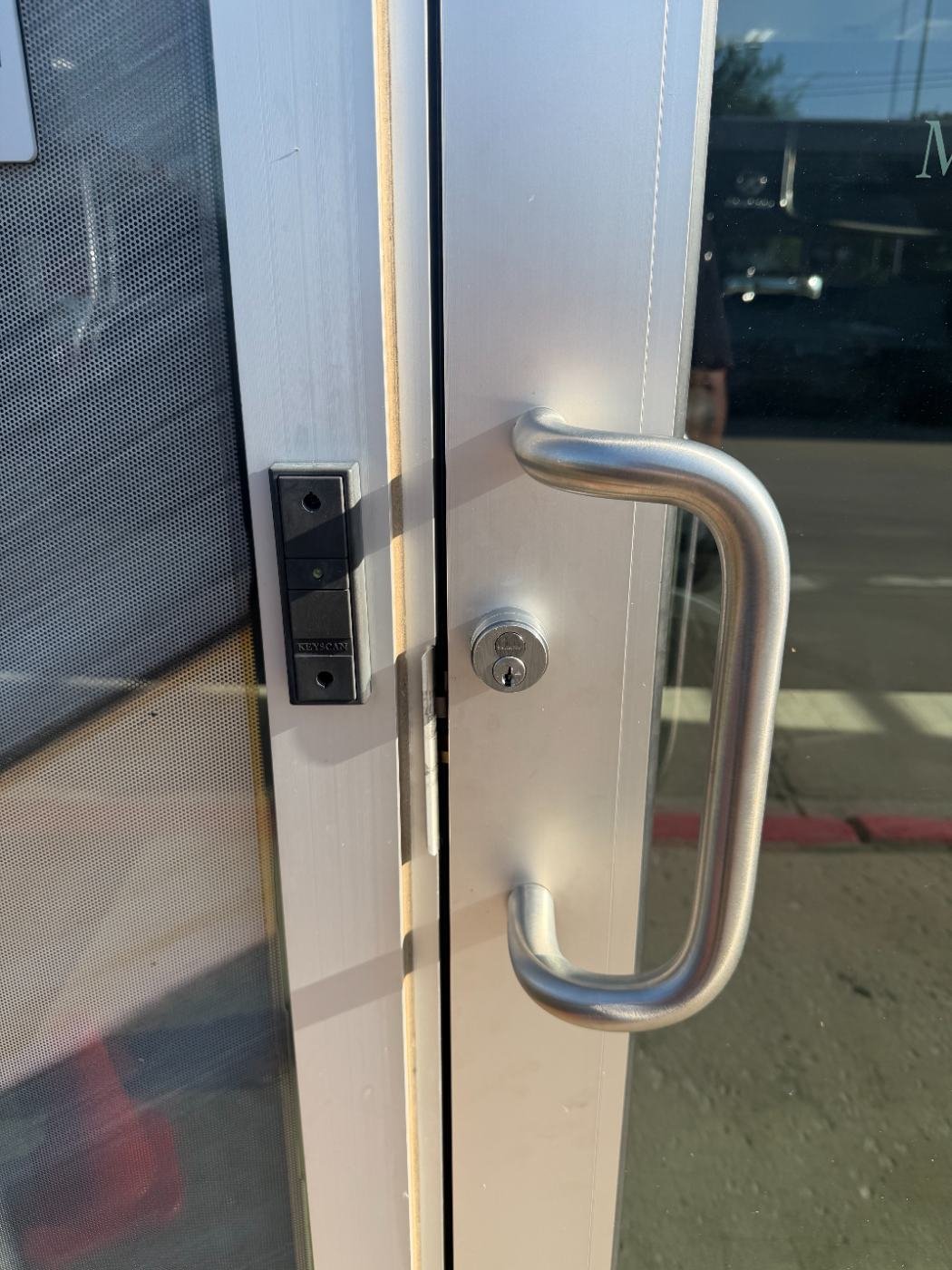
Every access control system needs a credential — something a person presents to prove they’re allowed through a door. The three most common options, keypad codes, card/fob readers, and mobile credentials, each trade off cost, security and day-to-day management differently, and the right choice depends more on your property type than on which is "best" in the abstract.
On this page: How each credential works · Side-by-side comparison · Security tradeoffs · Day-to-day management · Which fits which property · Code & compliance · DFW & Allen specifics · Common mistakes · How to decide · Glossary · FAQ
How Each Credential Type Works
Quick answer: A keypad uses a shared or individual numeric code; a card/fob reader uses a physical credential read at close range; mobile access uses a smartphone app credential over Bluetooth or NFC.
Keypads are the simplest and lowest-cost option, but codes are easy to share and hard to track back to an individual once shared. Card and fob readers give each person a distinct, revocable credential that’s harder to casually share. Mobile credentials use a smartphone app, letting IT or management issue and revoke access remotely without physical hardware changes.
Side-by-Side Comparison
| Factor | Keypad | Card/Fob Reader | Mobile Access |
|---|---|---|---|
| Relative cost | Lowest | Moderate | Moderate to higher (software licensing) |
| Per-user tracking | Poor (shared codes) | Good | Good |
| Revoking access | Requires changing the shared code | Deactivate the card remotely | Deactivate the app credential remotely |
| Lost credential risk | Code can spread informally | Lost card can be deactivated | Lost phone can be remotely deactivated |
| Best for | Low-security, low-traffic doors | Most commercial and multifamily doors | Tech-forward offices, multi-location businesses |
Security Tradeoffs
Quick answer: Keypad codes are the easiest credential to share or forget to change after someone leaves; card readers and mobile credentials are individually revocable, which is the single biggest security advantage over a shared code.
The core security weakness of a keypad isn’t the hardware, it’s that a shared code inevitably gets passed around informally, and updating it means re-notifying everyone who’s supposed to have access. Card readers and mobile credentials solve this by tying access to an individual, so removing one person’s access doesn’t require changing anyone else’s.
Day-to-Day Management
Card readers and mobile credentials both integrate with a management platform where adding or removing a person’s access takes a few clicks, rather than reprogramming a shared code. Mobile credentials go a step further by not requiring a physical card to be issued or returned, which simplifies onboarding and offboarding for larger organizations. See our commercial access control planning guide for more on credential management at scale.
Which Credential Fits Which Property
Small offices and low-traffic doors can reasonably use a keypad, especially for a back door or storage area rather than a main entry.
Most commercial and multifamily buildings do best with card or fob readers, since they balance cost with individual accountability — see our access control page.
Tech-forward offices and multi-location businesses increasingly favor mobile access, since it eliminates physical card issuance and integrates cleanly with a cloud-managed, multi-site platform.
Code and Compliance
Regardless of credential type, doors on a required egress path must always allow free exit, and ADA accessibility should be considered at any publicly-accessible entry. Installers in Texas are licensed through the TDLR — ours is License #B31188501.
Credential Choice Across Dallas, Fort Worth and Allen
We install all three credential types across Dallas, Allen, Plano and Frisco, and most commercial clients in this market end up choosing card readers or mobile access over keypads once they understand the per-user tracking advantage.
Common Mistakes When Choosing a Credential Type
- Using a shared keypad code on a main entry door where individual accountability matters.
- Never changing a keypad code after an employee or tenant leaves.
- Choosing mobile-only access without a backup credential option for visitors or employees without compatible phones.
How to Decide
- How many people need access, and how often does that list change? Frequent turnover favors card or mobile over a shared keypad code.
- Do you need to track who entered and when? Card and mobile credentials both support this; a shared keypad code doesn't.
- Will visitors or contractors need temporary access? Mobile platforms often handle temporary credentials most easily.
- What's your budget for ongoing software licensing? Mobile access typically carries higher per-user platform costs than card readers.
Glossary: Credential Terms Worth Knowing
| Credential | The card, fob, mobile pass or code used to request access at a reader. |
| Proximity Card | A contactless card read at close range by a wall-mounted reader. |
| Mobile Credential | An access credential stored and presented through a smartphone app. |
| Credential Revocation | Removing a specific person's access without affecting anyone else's. |
Choosing the Right Credential for Your Property
We’ll walk through your property’s traffic, turnover and management needs to recommend the right credential mix. Call 682-516-9940 or request a free estimate below.
Frequently Asked Questions
Is a card reader more secure than a keypad?
Generally yes, because each card is an individually revocable credential, while a keypad relies on a shared code that's harder to control once shared.
Is mobile access more expensive than a card reader?
Mobile access typically carries higher per-user software licensing costs, though it can reduce the cost of issuing and managing physical cards.
Can I mix credential types in one building?
Yes, many properties use card readers on main entries and keypads on lower-security back doors, or offer both card and mobile options.
What happens if an employee loses their access card?
The card can be deactivated immediately in the management platform without affecting any other user's access.
Do keypads work well for multifamily buildings?
Generally not as the primary credential, since a shared code is difficult to control across many tenants; card or mobile access is usually a better fit.
Can mobile access work without a smartphone?
Most properties offering mobile access also provide a card or fob option for visitors or employees without a compatible phone.
Which credential type is easiest to manage for a growing business?
Card readers and mobile credentials both scale better than keypads, since access can be granted or revoked per person without changing a shared code.
Do you install all three credential types?
Yes, we install keypads, card/fob readers and mobile access systems, and can help determine the right mix for your property.
Is a keypad ever the right choice?
Yes, for low-security, low-traffic doors like a storage room or back entrance where individual tracking matters less.
Do you serve Allen and the greater DFW area?
Yes, we install and support all credential types across Dallas, Fort Worth, Allen, Plano, Frisco, McKinney and the surrounding North Texas area.