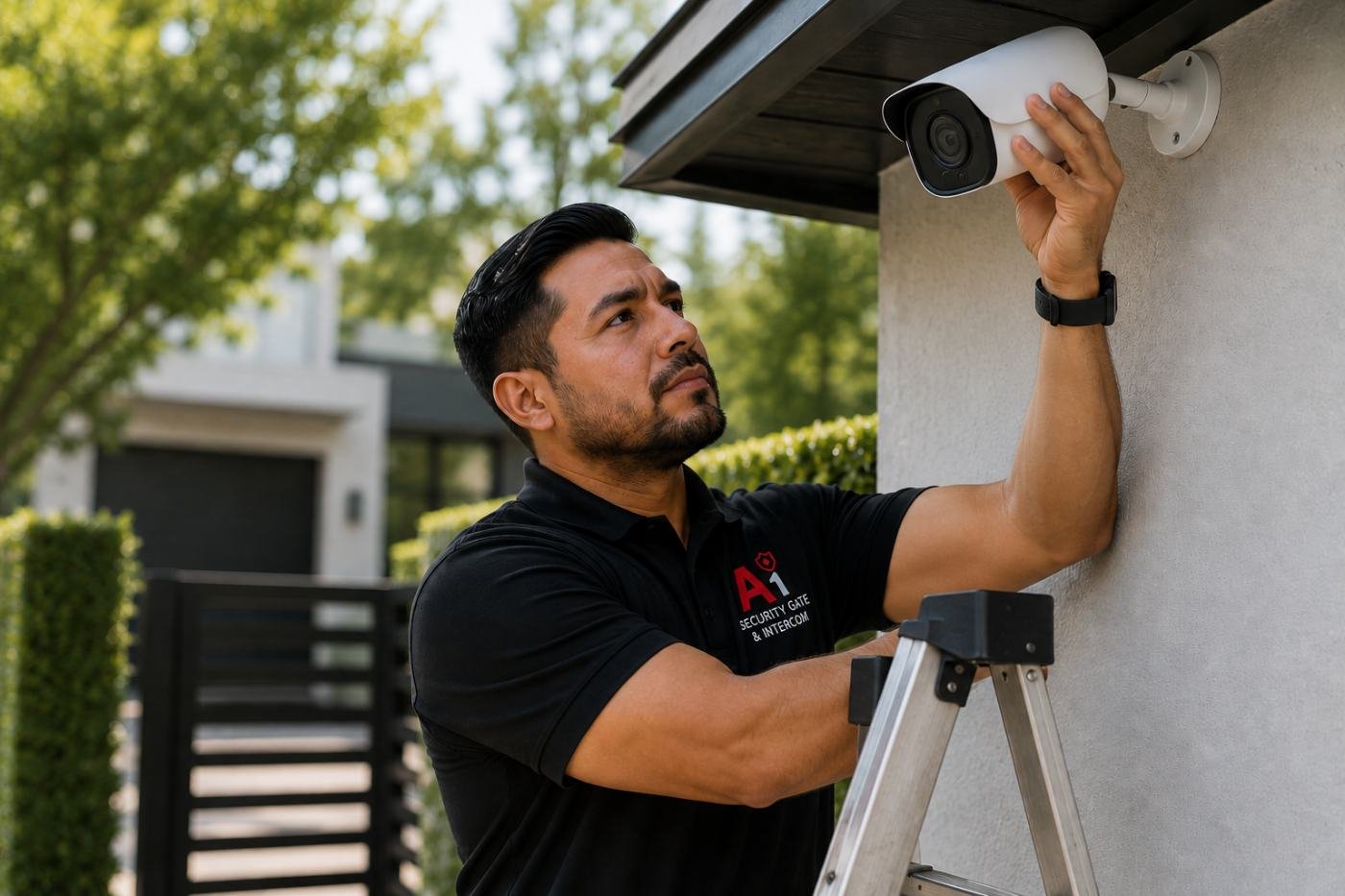
A camera system that isn’t actually recording, or is recording a blurry or dark feed, is worse than no camera at all — it gives a false sense of security. Most camera failures come from a handful of recognizable causes: a full or failing hard drive, a dirty or misfocused lens, network connectivity issues, or a camera nearing the end of its service life.
On this page: Camera not recording · Blurry or dark video · Camera offline or dropping connection · Storage and NVR issues · Routine maintenance checklist · Maintenance cost · DFW & Allen specifics · Common mistakes · What's safe to check yourself · Glossary · FAQ
Camera Shows Live Video But Isn't Recording
Quick answer: This is almost always a storage issue — a full hard drive, a recording schedule misconfiguration, or a failing drive that needs replacement, not a problem with the camera itself.
Live view and recording are handled separately by most systems, so a camera can show a perfectly good live feed while silently failing to save any footage. This is one of the most common (and most dangerous) camera issues, since it's invisible until you actually need the recorded footage.
Blurry, Dark, or Distorted Video
Quick answer: A dirty or fogged lens is the most common cause of blurry video; a dark feed at night often means infrared illuminators have failed or are obstructed by spider webs or debris.
Outdoor cameras accumulate dust, pollen, and spider webs over time, all of which degrade image quality gradually enough that it's easy not to notice until it's significant. Nighttime image problems specifically point to the infrared illuminators, which can fail independently of the camera's main sensor.
Camera Offline or Dropping Connection
A camera that repeatedly goes offline is usually a network issue — a weak Wi-Fi signal for wireless cameras, a failing PoE switch port for wired cameras, or a router that needs a restart. Persistent drops on one specific camera (while others stay online) usually point to that camera's cable, connector, or network port rather than the whole system.
Storage and NVR Issues
Quick answer: Hard drives in a recording NVR have a limited lifespan due to constant read/write cycling, and a failing drive is one of the most common root causes of "missing" footage that the camera actually recorded.
NVR hard drives work harder than a typical computer drive, since they're writing continuously. A drive nearing failure often shows early warning signs — occasional recording gaps, slower playback, or system error messages — before it fails completely, which is why routine health checks catch problems before they cause actual footage loss. See our wired vs. wireless camera guide for how storage and reliability differ by system type.
Routine Maintenance Checklist
- Clean camera lenses and check for spider webs or debris on infrared illuminators.
- Confirm every camera is actually recording, not just showing live video.
- Check hard drive health and available storage capacity.
- Verify network connectivity for every camera and the NVR itself.
- Check mounting hardware for looseness that could affect camera angle over time.
Maintenance Cost
A routine residential camera system maintenance visit typically runs $100–$200; commercial systems with more cameras and network equipment typically run $200–$400. This is far less than the cost of discovering a critical incident wasn't recorded because of an unnoticed storage failure.
Camera Maintenance Across Dallas, Fort Worth and Allen
Pollen and dust accumulation on outdoor camera lenses is a common seasonal issue across Allen, Plano and Frisco, and North Texas storms are a common cause of network and power-related camera outages.
Common Mistakes
- Assuming a camera is recording just because the live feed looks fine.
- Never checking storage capacity until footage is unexpectedly missing.
- Ignoring a gradually degrading lens until image quality is unusable.
What's Safe to Check Yourself
Property owners can safely wipe an accessible camera lens with a soft cloth, check that the NVR or app shows recent recorded footage (not just live view), and confirm the system shows adequate storage capacity remaining. Beyond that, network and hardware diagnostics are best left to a technician.
Glossary: Terms Worth Knowing
| NVR | Network video recorder, the device that stores camera footage. |
| Retention Period | How many days of footage a system keeps before overwriting it. |
| Infrared Illuminator | LEDs that let a camera capture usable video in low light or darkness. |
Scheduling Camera System Maintenance
A scheduled maintenance visit confirms your system is actually recording usable footage, not just running. Call 682-516-9940 or request a free estimate below.
Frequently Asked Questions
Why is my camera showing live video but not recording?
This is almost always a storage issue — a full or failing hard drive, or a misconfigured recording schedule — not a problem with the camera itself.
Why is my camera's night vision suddenly dark or unclear?
This usually points to failed or obstructed infrared illuminators, often from spider webs or debris covering the lens area.
How often should a security camera system be serviced?
Twice a year is a reasonable baseline for most residential and commercial systems.
How much does camera system maintenance cost?
A routine residential visit typically runs $100 to $200; commercial systems typically run $200 to $400.
Why does my camera keep going offline?
This is usually a network issue, such as a weak Wi-Fi signal, a failing PoE switch port, or a router that needs troubleshooting.
How do I know if my NVR hard drive is failing?
Early signs include occasional recording gaps, slower playback, or system error messages, worth having checked before the drive fails completely.
Can I clean my camera lens myself?
Yes, gently wiping an accessible lens with a soft cloth is a reasonable DIY task; more involved diagnostics should go to a technician.
Why does footage seem to be missing from a certain time period?
This is often a sign of a storage capacity or hard drive issue that prevented that period from actually being recorded.
Do you offer scheduled camera maintenance plans?
Yes, we offer scheduled maintenance for residential and commercial camera systems across DFW.
Do you serve Allen and the greater DFW area for camera maintenance?
Yes, we service security camera systems across Dallas, Fort Worth, Allen, Plano, Frisco, McKinney and the surrounding North Texas area.