“How many cameras do I need?” is usually the first question a business owner asks, and the honest answer is that it depends less on square footage than on how many places you need to see clearly. A small shop with two doors and a register may need fewer cameras than a smaller warehouse with three dock doors and a fence line. Here is the method we use to count.
On this page: The short answer · Step 1: list the must-cover spots · Step 2: give each camera one job · Step 3: decide how much detail · Step 4: check for blind spots · Step 5: size the recorder · By business type · Common mistakes · FAQ
The Short Answer
Quick answer: Count every place where you need to see something clearly: each entrance and exit, registers and safes, stock and storage areas, loading docks, parking and the perimeter. Most of those spots need their own camera. That count, not the size of the building, is your starting number.
One camera can cover a lot of ground, but it can’t show everything in detail at once. A single wide camera over a parking lot will show that a car came in, but not whose car it was. That’s why the number depends on what you need to prove after an incident, not on how much area you want on screen.
Step 1: List the Must-Cover Spots
- Every exterior door, including back doors and emergency exits.
- Registers, safes, cash rooms and high-value stock.
- Loading docks, overhead doors and receiving areas.
- Parking lot entrances and exits, plus the lot itself.
- Main hallways, stairwells and elevator lobbies.
- Server rooms, equipment rooms and anywhere with controlled access.
- Fence lines and outdoor storage, if you have them.
Step 2: Give Each Camera One Job
The most reliable systems give each camera a clear purpose: identify faces at the front door, read plates at the lot entrance, watch the register, show the overall scene in the parking lot. A camera that tries to do two jobs, such as covering a whole lobby and identifying people at the door, usually does neither well. Pairing door cameras with card readers makes this even more useful; our guide to cameras and access control together explains how.
Step 3: Decide How Much Detail Each View Needs
Quick answer: The security industry measures detail in pixels per meter (or per foot) on the target. Identifying a person takes about ten times the detail of simply detecting one, so identification cameras cover a much smaller area.
The international standard for video surveillance (IEC 62676-4) describes four levels, often called DORI:
| Level | What you can tell | Approx. detail on target |
|---|---|---|
| Detect | Something or someone is there | 25 pixels per meter |
| Observe | General actions and clothing | 63 pixels per meter |
| Recognize | Whether it’s someone you know | 125 pixels per meter |
| Identify | Who it is, beyond reasonable doubt | 250 pixels per meter |
In practice: doors and registers need identify-level detail, so the camera is mounted close and framed tightly. Parking lots and yards often only need detect or observe, so one camera covers a wide area. License plates need a dedicated camera aimed at a single lane, as we explain in our parking lot and garage security guide.
Step 4: Check for Blind Spots
Walk the property from the outside in and ask where someone could approach a door, a vehicle or stock without being seen. Columns, racking, trees, signs and parked trucks all create blind spots. Look at lighting too: a camera aimed toward the afternoon sun or a bright storefront at night will show silhouettes, not faces. Sometimes moving a camera fixes a gap; sometimes the gap needs one more camera.
Step 5: Size the Recorder and Network
Once you have a count, add room to grow. Recorders and network switches come in fixed sizes, and running out of channels or ports means replacing equipment later. Plan how many days of video you need to keep, because higher resolution and more cameras use more storage. Our wired vs. wireless camera comparison explains why most business systems run on wired, powered network cable.
Where Cameras Usually Go, by Business Type
| Business | Typical camera locations |
|---|---|
| Retail storefront | Front door, registers, sales floor, stockroom, back door, parking |
| Office | Entrances, lobby and reception, elevator lobbies, server room, parking |
| Warehouse | Dock doors, overhead doors, racking aisles, yard, fence line, entrances |
| Restaurant | Front door, registers, kitchen back door, storage, dumpster area, parking |
| Multi-tenant property | Building entrances, mail room, garage or lot entrances, common areas |
Common Camera-Count Mistakes
- Covering a large area with one wide camera and expecting to identify people.
- Skipping back doors and emergency exits.
- Placing cameras where they face direct sun or bright lights.
- Buying a recorder with no spare channels.
- Putting cameras in restrooms, changing areas or other private spaces, which is never appropriate.
Planning Cameras for a Dallas Business
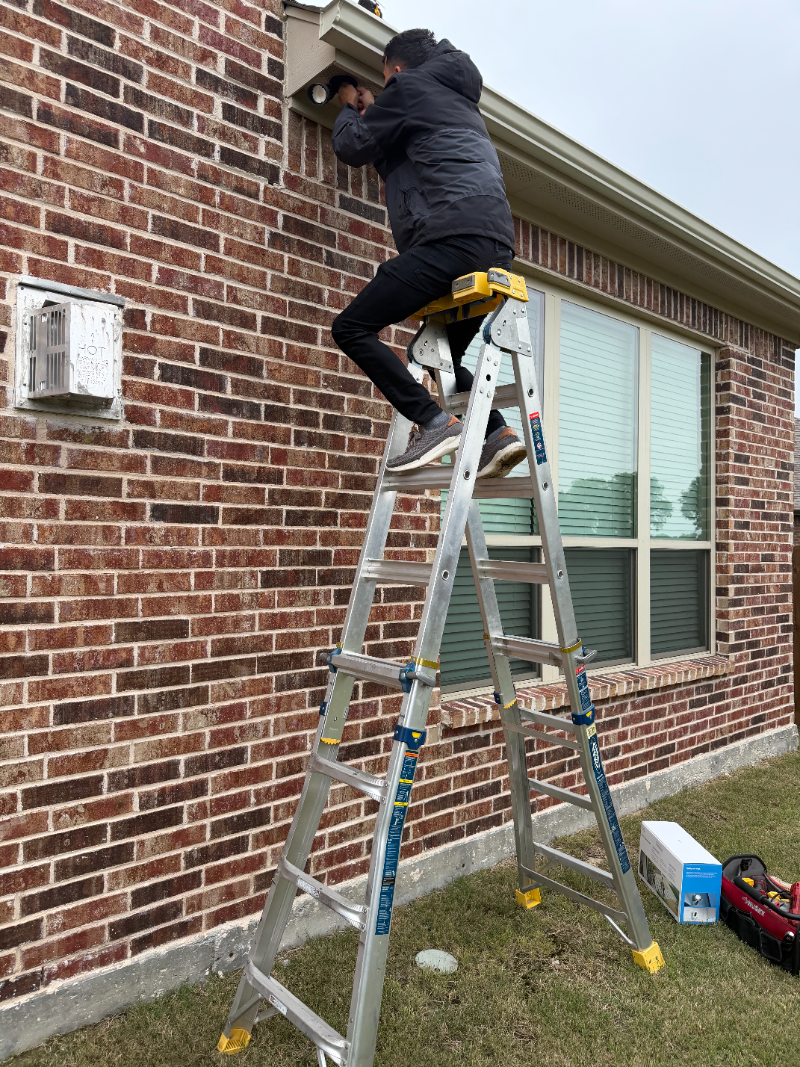
The surest way to get the number right is a site walk. We plan and handle security camera installation in Dallas and across the metroplex, mapping each camera to a specific job before we quote. For a rough idea of budget, see our camera cost guide. Estimates are free. Call 682-516-9940 or use the estimate form below.
Frequently Asked Questions
How many security cameras does a small business need?
It depends on how many places need clear coverage: every entrance and exit, the register or cash area, stock, and parking. Count those spots first; most need a dedicated camera.
Can one camera cover an entire parking lot?
One wide camera can show activity across a lot, but it usually cannot identify people or read license plates. Entrances and exits need their own cameras for that.
What resolution do business security cameras need?
Resolution matters less than how close the camera is to its target. Identifying a face takes far more detail than detecting movement, so placement and lens choice matter as much as megapixels.
Should cameras go inside or outside the business?
Both. Outside cameras cover approaches, parking and doors; inside cameras cover registers, stock, hallways and sensitive rooms.
How much video storage does a business camera system need?
It depends on the number of cameras, resolution and how many days of video you want to keep. Decide the retention period first, then size the recorder.
Can you add cameras to our existing system?
Often yes, if the recorder has spare channels and the network can carry them. We check compatibility during the site walk.