Almost every gate problem falls into one of a handful of recognizable patterns — and each pattern points toward a different likely cause. Knowing what your gate is doing (not opening at all vs. reversing vs. moving slowly) narrows down the problem before a technician even arrives, and helps you avoid an unnecessary or oversized repair recommendation.
This guide walks through the most common symptoms we see, what each one usually means, and when a problem is safe to wait on versus when it needs immediate attention.
On this page: Gate won’t open at all · Gate reverses or won’t close · Gate moves slowly or struggles · Unusual noise · Remote or keypad not responding · Symptom-to-cause quick table · Safety-critical symptoms · Safety code & compliance · DFW & Allen specifics · Common mistakes · What’s safe to check yourself · Glossary · FAQ
Gate Won’t Open at All
Quick answer: A gate that’s completely unresponsive usually means no power to the operator, a blown fuse, or a failed control board — not necessarily the motor itself.
Start with power: confirm the operator has power and check for a tripped breaker. If power is present but the gate still doesn’t respond, the control board or a blown internal fuse is the next likely cause — especially after a recent storm, since power surges are a leading cause of control board failure in this region.
Gate Reverses or Won’t Close
Quick answer: A gate that reverses immediately or won’t fully close is almost always a safety sensor or safety loop issue — the system thinks something is in the way, even if nothing visibly is.
This is the entrapment-protection system doing its job, even when the trigger is a false one. Common causes include a misaligned photo-eye, sunlight interference on the sensor lens, debris in the beam path, or a safety loop with degraded wiring. This is not something to bypass — it needs to be diagnosed and fixed correctly.
Gate Moves Slowly or Struggles to Open/Close
Quick answer: A gate that struggles or moves noticeably slower than usual is often a sign of increased friction — worn hinges or rollers, a misaligned track, or an operator nearing the end of its life.
This symptom is a warning sign worth acting on before it becomes a full failure. An operator that’s straining against friction wears out faster than one operating normally, so catching this early with a maintenance visit is far cheaper than waiting for a full motor replacement.
Unusual Grinding, Clicking or Straining Noise
New or worsening noise from the operator is one of the earliest warning signs of a developing problem — often worn gears, a failing motor bearing, or a chain/belt that needs tension adjustment. Noise alone doesn’t tell you the exact cause, but it’s a clear signal to schedule a diagnostic visit before it progresses to a full failure.
Remote, Keypad or Card Reader Not Responding
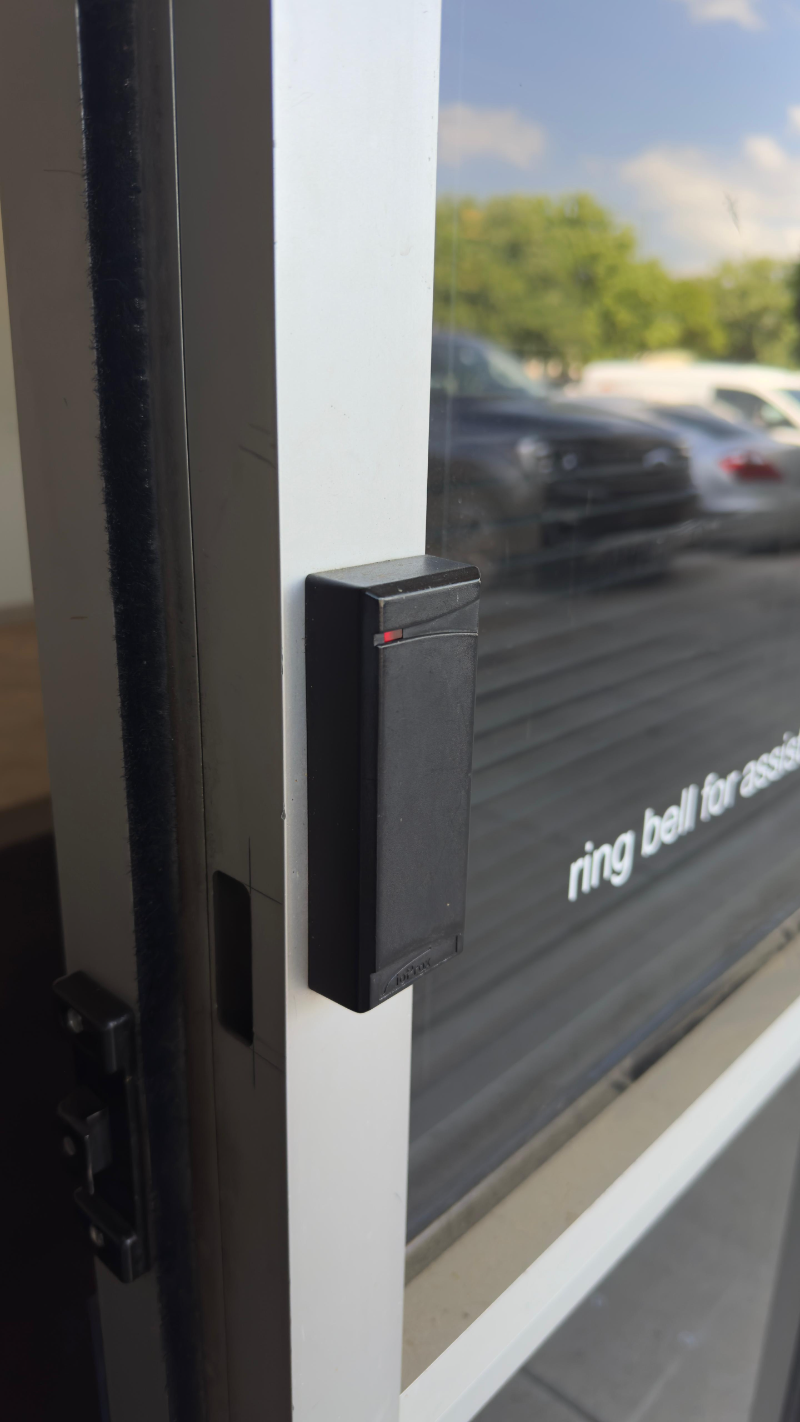
If the gate operates fine from a wall switch but not from the remote, keypad or card reader, the issue is usually isolated to that entry device or its programming — a dead remote battery, a keypad wiring fault, or a card reader that’s lost its connection to the control board. This is generally a smaller and less expensive fix than a motor or safety device issue. See our access control page for how these entry devices integrate with a gate.
Symptom-to-Cause Quick Reference
| Symptom | Most Likely Cause |
|---|---|
| Gate completely unresponsive | No power, blown fuse, or failed control board |
| Gate reverses or won’t close | Misaligned photo-eye or faulty safety loop |
| Gate moves slowly or strains | Worn hinges/rollers, track misalignment, or aging operator |
| Grinding or clicking noise | Worn gears, motor bearing wear, or loose chain/belt |
| Remote/keypad not working, gate otherwise fine | Dead battery, entry device wiring, or lost programming |
For repair pricing by problem type, see our gate repair cost guide.
Symptoms That Need Immediate Attention
- A gate that closes without stopping for an obstruction — this means entrapment protection isn’t working and is a genuine safety hazard.
- Visible sparking, burning smell, or exposed wiring at the operator or control board.
- A gate stuck fully open, blocking security, or stuck fully closed, blocking emergency vehicle access.
Why Safety Faults Shouldn’t Be Bypassed
Quick answer: If your gate is reversing due to a safety sensor or loop, that's UL 325 entrapment protection functioning correctly — the right response is diagnosing the false trigger, never bypassing the sensor.
UL 325 requires these devices specifically so a gate can’t close on a vehicle or person; a nuisance fault is inconvenient, but disconnecting the sensor to make the inconvenience go away removes a genuine safety protection. A properly licensed company will have a license number from the Texas DPS Private Security Program to show you; ours is #B31188501.
Gate Troubleshooting Across Dallas, Fort Worth and Allen
Storm-related power surges are one of the most common causes of sudden gate failure across Allen, Plano, Frisco and McKinney, especially for gates without surge protection on the control board. Clay soil common across DFW also shifts more with seasonal moisture, which is why safety loop faults are a frequent troubleshooting call here.
Common Troubleshooting Mistakes
- Disconnecting a nuisance-faulting sensor instead of diagnosing why it’s faulting.
- Replacing the motor first without checking simpler causes like power, fuses, or entry device wiring.
- Ignoring a slow or straining gate until it fails completely, turning a cheap fix into a full operator replacement.
What’s Safe to Check Yourself
Before calling a technician, it’s reasonable to check that the operator has power, confirm nothing is blocking the photo-eye sensors, replace a remote or keypad battery, and look for obvious debris in a slide gate track. Beyond that, we’d caution against DIY troubleshooting — gate systems involve line-voltage electrical work and safety-critical devices that need to be correctly diagnosed, not guessed at.
Glossary: Troubleshooting Terms Worth Knowing
| Nuisance Fault | A safety sensor triggering with no real obstruction present, usually from misalignment or interference. |
| Entrapment Protection | Safety devices (sensors, loops) that stop a gate from closing on a person or vehicle. |
| Control Board | The electronics that process inputs and drive the operator. |
| Duty Cycle | How many open/close cycles per day an operator is rated for. |
Getting a Gate Problem Diagnosed
Since many symptoms share overlapping causes, the fastest way to a real answer is an on-site diagnostic. Call 682-516-9940 and describe the symptom; we offer same-day and 24/7 emergency service.
Frequently Asked Questions
Why does my gate stay open after the car has gone through?
Usually a vehicle loop stuck in detect mode, a blocked or misaligned photo-eye, or the auto-close timer being turned off or reset after a power outage. A hold-open signal from a fire department switch or an access control system can do it too.
What should I check first when the gate dies after a thunderstorm?
Check the breaker or GFCI that feeds the operator, the operator's own power switch and, on battery models, whether the battery is flat. If there's power and the gate still does nothing, or the board shows no lights, a surge has likely damaged the control board and it needs a technician.
Is it safe to keep using a gate that reverses unexpectedly?
Yes, in the sense that the safety system is working as intended, but the underlying cause should be diagnosed so the gate isn't nuisance-faulting indefinitely.
Why is my gate moving slower than it used to?
This usually points to increased friction from worn hinges, rollers, or a misaligned track, and is worth addressing before it strains the operator further.
My remote doesn't work but the gate opens from a wall switch. What's wrong?
This points to an issue isolated to the remote, keypad, or entry device wiring, not the gate operator itself — usually a smaller, less expensive fix.
How do I open my gate by hand when it won't run?
Most operators have a manual release, such as a key, lever or crank, described in the owner's manual. Turn off the power first. Once released, the gate moves freely and won't hold its position, so move it carefully and re-engage the release afterward.
What does grinding or clicking noise from my gate mean?
It's an early warning sign of gear wear, motor bearing wear, or a loose chain or belt, and is worth having diagnosed before it becomes a full failure.
Can a bad safety loop be repaired without replacing the whole driveway?
Yes, in most cases a technician can trace and repair or replace the loop wiring without major excavation.
Why does my gate only work some of the time?
Intermittent problems usually trace to a loose or corroded connection, a weak backup battery, a loop or photo-eye that faults on and off, or a worn limit switch. They're hard to catch at a glance, which is why the operator's diagnostic codes or error lights are the first thing a technician reads.
Why does my gate stop partway and not finish opening?
Common reasons are limit settings that have drifted, something dragging or blocking the gate's path, a weak battery that can't push the full travel, worn gears, or a gate binding on its hinges or track. Many operators also stop on purpose when they sense extra resistance.