Verified Google Reviews
A1 Security Gate & Intercom
Every review comes from a real customer on our Google Business Profile. Tap below to read them all.
Serving Dallas–Fort Worth, TX
Read Our Google Reviews
Lost the admin login, a controller that forgot its users, or a main door no badge will open? We restore entry and control of electronic access control systems of all brands, with 24/7 emergency service. Owner or manager authorization is required for admin access.
Sometimes an access control system keeps everyone out, including the business that owns it. A1 Security Gate & Intercom helps businesses, property managers, apartment communities and HOAs across Dallas–Fort Worth get back into, and back in control of, their electronic access control systems. That means two kinds of lockout: nobody can get through the door, or nobody can get into the software that runs it.
This page is about those situations. If the system is working but a reader, lock or panel is acting up, our access control repair page covers general troubleshooting.
The person who managed the system left, the password was never written down, or the recovery email goes to an inbox nobody can open. Badges still work, but you can’t add a new hire or remove a former employee, so every badge that should be off is still live. Depending on the platform, we regain admin access by working through the manufacturer or dealer channel to verify ownership, by recovering the local software and its database, or, as a last resort, by resetting the controller and reprogramming it.
An installer went out of business, stopped answering the phone, or keeps the system tied to its own dealer account. An IT contractor set up the cloud portal under a personal email and moved on. We handle the access control takeover: we confirm what hardware is on site, move the account or dealer relationship to you where the platform allows it, and make sure the owner, not a vendor, holds the top-level login from now on.
Every badge is denied, or the readers are dark. The usual causes are power (a tripped breaker, failed power supply or dead standby battery), a locked-up controller, or a lost reader-to-panel connection. We bring power and communication back first so the door opens through the access control system again, then track down why it failed.
After a surge or a long outage, a controller can come back with no cardholders, or with its clock reset so schedules run at the wrong hours and badges that worked yesterday are denied. If the software still has the records or there’s a database backup, we send them back down to the panel and set the clock. If not, we rebuild users, access levels and schedules with you.
Fail-secure electric locks stay locked when power drops. If the standby battery is dead, no badge will release the door until power is back at the lock and panel. We restore power to the lock circuit, replace failed batteries and fuses, and confirm the door still opens freely from the inside. If the lock itself was damaged, see electric strike repair.
The login exists but nobody knows the software. We walk your office manager through adding and removing users, setting schedules and pulling the entry log.
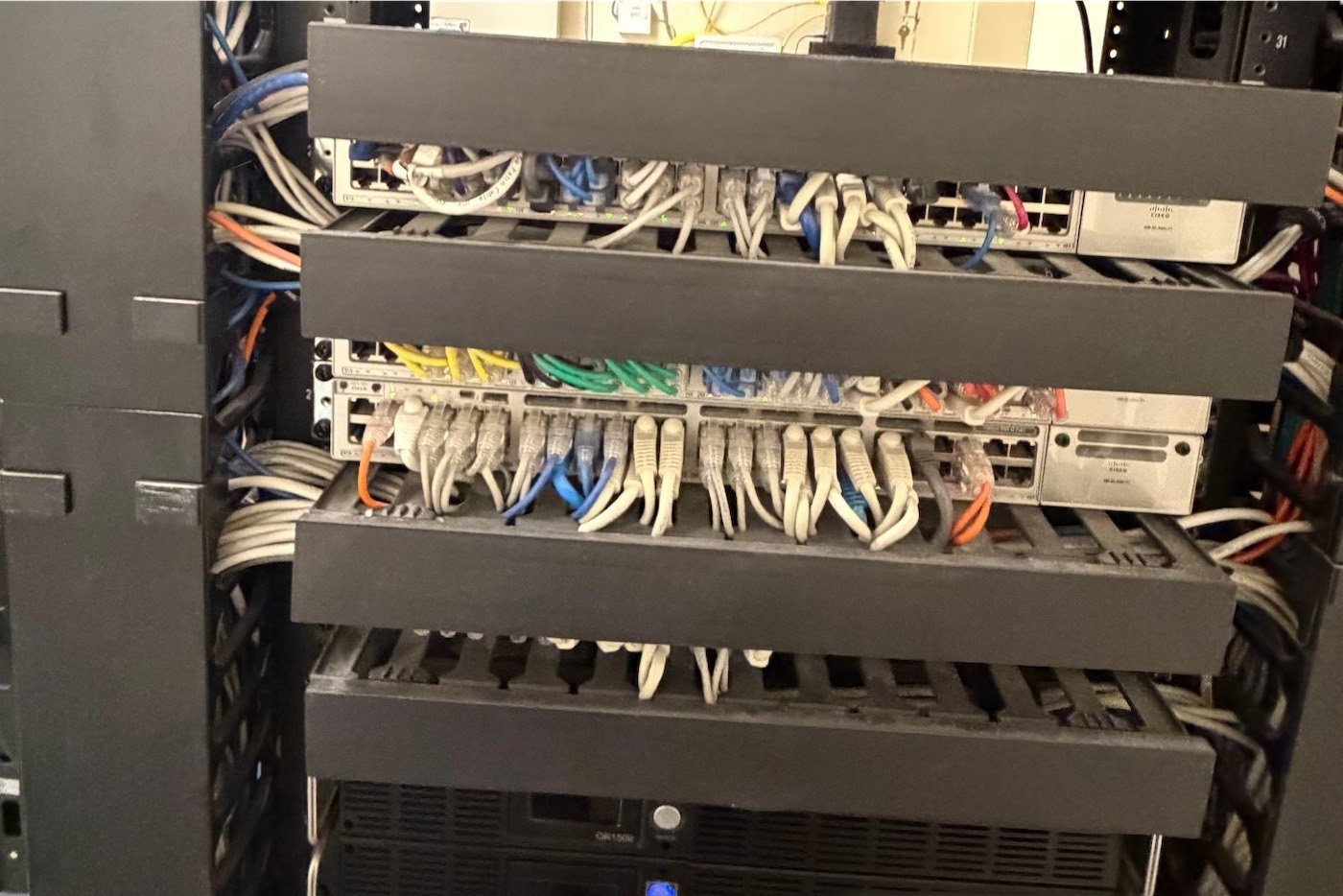
Restoring admin access to a security system gives someone control over who can enter a building, so we treat it carefully. Before we reset, recover or transfer admin access, we require authorization from the property owner or property manager, along with proof that they own or manage the site, such as a deed, lease, management agreement or business documents that match the address. Tenants need written approval from the landlord or manager when the system belongs to the building. We won’t restore admin access for anyone who can’t show they’re authorized, and we keep a record of who approved the work.
We work on HID, Keyscan, UniFi Access, Brivo, Paxton, Bosch, GRI, Camden, Seco-Larm, Securitron and Alarm Controls systems, plus Altronix power supplies, including systems installed by other companies. The recovery path depends on the platform: cloud systems such as Brivo and UniFi Access are tied to an account, while older server-based systems keep their database on a local computer. A photo of the panel label and the login screen helps us plan. Reader problems are covered under card reader repair.
Tell us whether the door won’t open, the software won’t let you in, or both. Have the owner or manager ready to authorize the work.
We confirm who owns or manages the site before any admin reset or account transfer. Service calls start at $180 per hour.
We get the door working through the system, then recover or reset admin access the right way for your brand.
You get the admin login, a list of doors and users, and a plan so it doesn’t happen again.
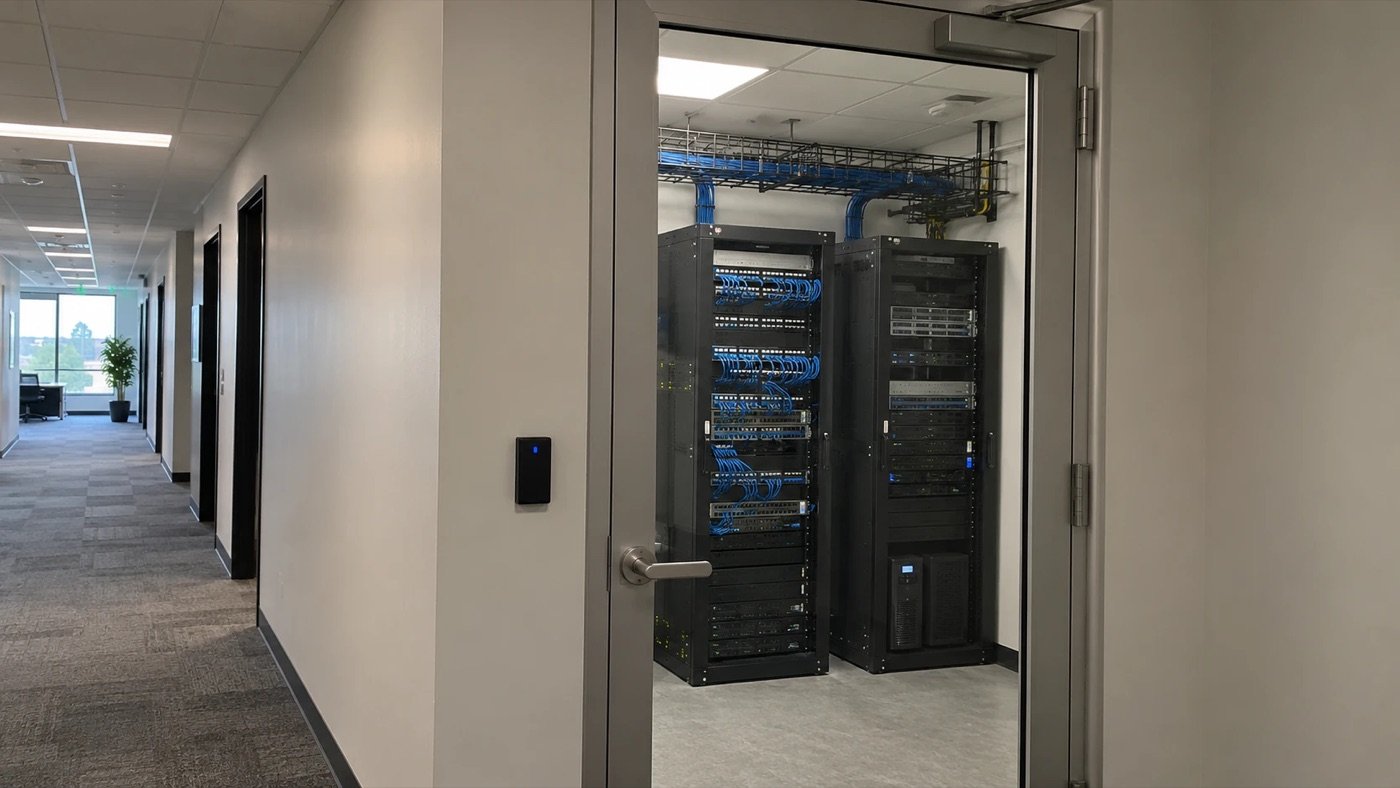
Most lockouts end with the existing system working and the owner in control. Replacement makes sense when the platform is discontinued, the software won’t run on a current computer, or a dealer won’t release the system and there’s no other path. If you decide to upgrade, estimates for new installations are free; see access control installation and commercial access control.
If staff can’t get in at opening time or a door won’t release after a storm, call (682) 516-9940. We offer 24/7 emergency service across DFW, and same-day service during regular hours when the schedule allows. Please have the owner or manager available to authorize the work.
We help with access control lockouts in Dallas, Plano, Frisco, Allen, McKinney, Richardson, Irving, Garland, Carrollton, Fort Worth and the cities around them. For a non-emergency visit, request a visit online.
A1 helps businesses and properties throughout Dallas–Fort Worth regain entry and admin control of their access control systems, with 24/7 emergency service.
See what DFW customers say about our door hardware and access control work, then compare locking options.
Every review comes from a real customer on our Google Business Profile. Tap below to read them all.
Comparing locks? Learn about electric strikes vs. magnetic locks, the reader that releases the strike, access control door costs, or commercial access control projects.
Featured InOur owner, Meir Feldbaum, wrote Adding Access Control to Existing Commercial Doors and Keeping It Working for Locks and Security News.
Common questions about access control lockouts in Dallas–Fort Worth.
Call for 24/7 emergency access control lockout help anywhere in DFW. Service calls start at $180 per hour, with same-day service when the schedule allows.